Pixlr AI: The Future of Photo Editing is Here!
Create stunning photos in minutes with Pixlr AI – an easy, online photo editor with AI tools for background removal, filters, and one-click enhancements.
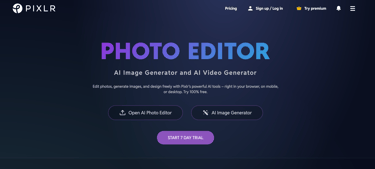
Let’s talk about something we all secretly want but rarely have the time for: flawless, eye-catching photos. In a world where everything moves at lightning speed, who has the patience to spend hours mastering complicated editing software? That’s exactly where Pixlr AI comes charging in, ready to save the day.
This isn’t your typical photo editor. No clunky installs. No steep learning curve. Just smart, slick editing tools powered by AI that feel like they know exactly what you want to do before you even click. Whether you’re a content creator, a small business owner hustling on Instagram, a student trying to impress with projects, or simply someone who loves good visuals, Pixlr AI has you covered.
What Exactly is Pixlr AI?
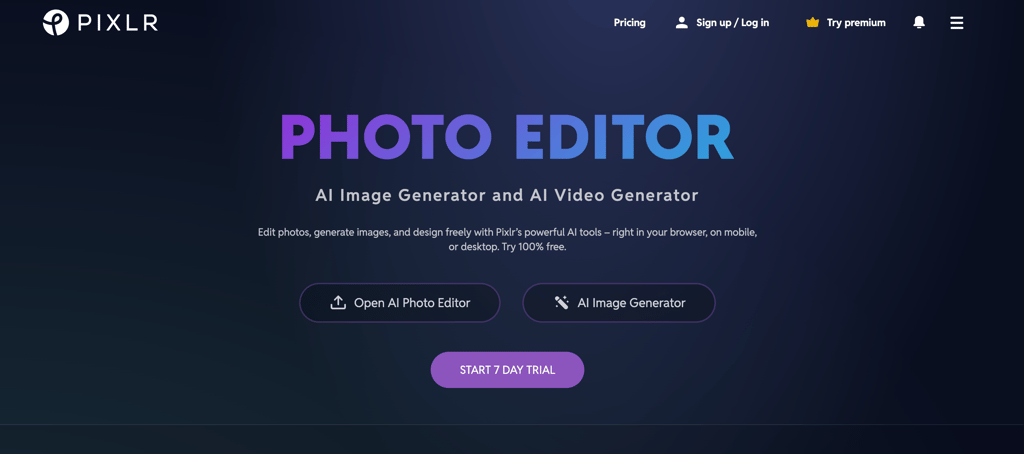
Think of Pixlr AI as your friendly, cloud-based creative sidekick. It’s an online photo editing tool that blends advanced AI with easy-to-use features. Forget those long, confusing tutorials and endless download bars. With Pixlr AI, you just open your browser and start editing. Boom. Done.
It does the heavy lifting for you, removing backgrounds, adding filters, boosting image quality, all in a few clicks, and because it’s all online, there’s no need to clutter your computer with massive software installations.
Pixlr AI Features That Make Editing a Breeze
Here’s the fun part. Let’s break down what makes Pixlr AI such a game-changer.
Instant Background Removal
No more spending half an hour zooming in and erasing every single detail pixel by pixel. Pixlr AI’s smart background remover does it for you in seconds. Whether you’re prepping an image for a presentation, e-commerce store, or a social post, your pictures end up looking sharp and polished.
One-Click Photo Enhancements
Got a photo that looks a bit… flat? Pixlr AI uses artificial intelligence to adjust brightness, contrast, and sharpness with one single click. It’s like magic, suddenly your dull image pops with life.
AI Generative Tools
This one’s a creative dream. Pixlr AI lets you generate unique visuals from text prompts and experiment with AI-powered effects. You can give your imagination a wild run without knowing anything about design.
Templates, Filters, and Collages
If you’ve ever wished for quick design help, this is it. Pixlr AI has a library full of templates, collage layouts, and filters. Want to create a sleek social media post or a poster? Just pick a template, tweak it, and you’re good to go.
Works Anywhere, Desktop or Mobile
Editing on a desktop, tablet, or even your phone? Pixlr AI works perfectly across all devices. No matter where you are, you can keep your content looking fresh.
Why Are People Choosing Pixlr AI?
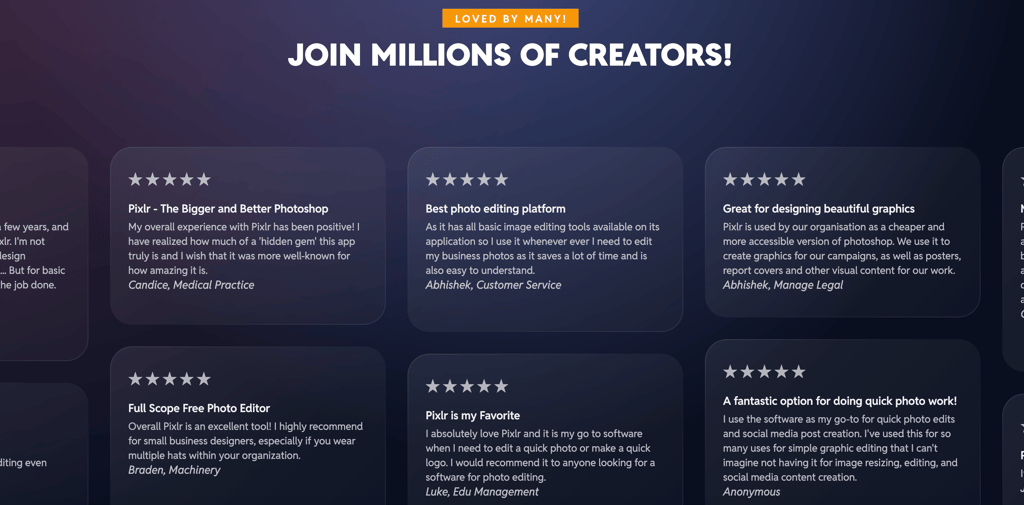
Here’s the deal: Pixlr AI gives you speed, simplicity, and stunning results without costing a fortune. And let’s be honest, who doesn’t want that?
Beginner-Friendly – You don’t need to be a Photoshop pro.
Affordable – Pro-level tools at a fraction of the price.
Creative Freedom – Play, experiment, and design the way you want.
Saves Time – AI automation means less work and more fun.
Who’s It For?
Pretty much anyone who needs visuals.
Content Creators - You know those killer YouTube thumbnails, banners, or Instagram posts? Pixlr AI makes creating them way easier.
Small Business Owners - Marketing visuals don’t need to cost a fortune. Create your own social media graphics, posters, or ads, without hiring a designer.
Students and Educators - Whether it’s a class project, presentation, or research poster, Pixlr AI can make your work look clean, polished, and professional.
Anyone with a Creative Streak - If you can picture it, Pixlr AI helps you bring it to life.
The Final Word on Pixlr AI
Here’s the truth: Pixlr AI isn’t just another editing tool. It’s a whole new way to think about photo editing. The fusion of artificial intelligence and simplicity takes the stress out of design. No more wrestling with clunky software or spending hours trying to figure out how to remove a background.
You focus on creativity. Pixlr AI takes care of the hard part.
So, if you’ve been waiting to upgrade your visual game without losing your mind in the process, now’s the time. Start using Pixlr AI today and edit smarter, not harder.
Go ahead, your photos will thank you.